Products and configurations to compare
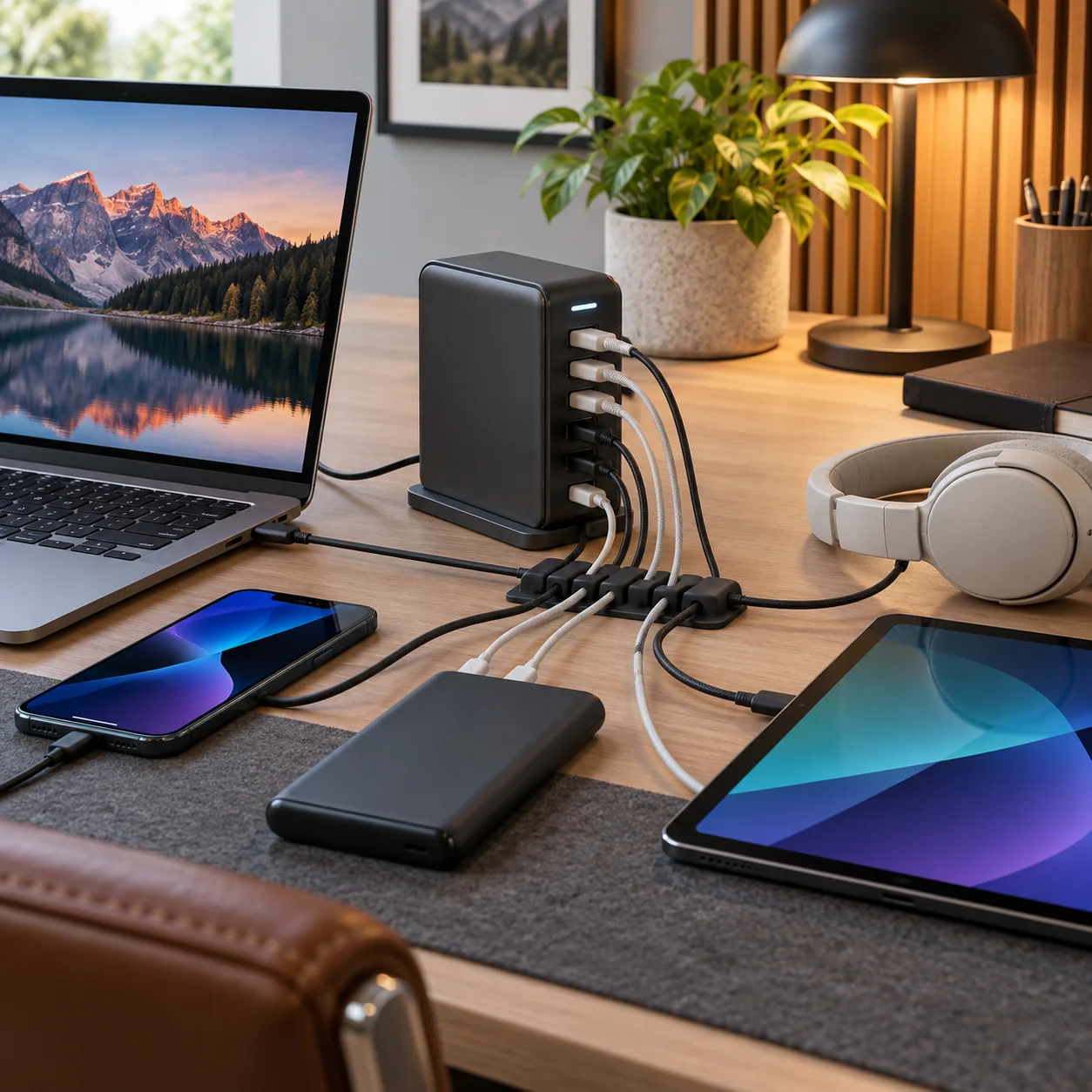
Anker Prime Charger 250W
Four USB-C plus two USB-A.
Best when: laptop + tablet + phone + accessories
Watch for: premium price and desk footprint
240W USB-C cable
Power path matters.
Best when: 140W-capable laptop/charger
Watch for: data speed may be USB 2 on charge-only cables
Under-desk charger mount
Turns charger into desk infrastructure.
Best when: you want ports reachable but brick hidden
Watch for: mount compatibility/heat clearance
USB-C1 is the important laptop port
It is the 140W-class output.
Other USB-C ports top out lower
Plan which device lives where.
Total 250W is shared
Simultaneous devices negotiate allocation.
Display/info features are secondary
Power distribution is the actual value.
One desktop charger can eliminate multiple wall bricks
Which simplifies travel spares too.
Wattage allocation matters more than total headline wattage
A 250W desktop charger can be excellent for a laptop, tablet, phone and accessories at once, but each port has its own maximum and multi-port use redistributes the total. High-power laptops may need the primary 140W-capable USB-C port while phones and accessories use the lower-output ports.
The cable is part of the power system. USB-C cables intended for more than 60W need the appropriate e-marker and rating, and 240W cables do not magically make a 100W charger deliver 240W. Charger, cable and device negotiate the lowest mutually supported mode.
Desktop chargers reduce cable clutter
One high-output brick can replace several wall adapters and move the plug interface from behind the desk to the desktop. That convenience is the real reason to buy one, not because charging six devices at once is inherently better.
Before checkout
- Host port standard is confirmed, not guessed from USB-C connector shape
- Monitor resolution and refresh target are listed before buying a KVM/dock
- USB hub power supply is adequate for attached devices
- Charger port allocation supports the laptop's actual wattage
- USB-C cables have the required power and data rating
- Ethernet path is multi-gig end to end where speed matters
- NVMe enclosure interface matches the host's fastest useful port
- Monitor arm weight/VESA limits exceed the display requirements
- Power strips and UPS units are not daisy-chained
- The purchase removes a recurring desk bottleneck rather than adding ports you will never use
Map the signal path before buying another adapter
For every device, trace the entire path from source to destination. A laptop might connect through Thunderbolt to a dock, then DisplayPort to a KVM, then HDMI through an adapter to a monitor. If something fails at 4K 60Hz, any link can be responsible. Write down the host port, dock capability, cable standard, switch capability and monitor input before buying.
The same rule applies to storage and networking. A 40Gbps enclosure behind a 10Gbps hub is a 10Gbps device. A 2.5GbE adapter connected to a gigabit switch is a gigabit link. A 140W charger using a cable that supports only 60W will negotiate down. Workstation gear is a chain, and the slowest or least-compatible link wins.
Prefer fewer boxes with clearer jobs
Complex desks become unreliable when every box overlaps three others. A good architecture is easy to explain: dock handles the laptop, KVM/USB switch handles computer switching, powered hub handles low-speed peripherals, charger handles mobile power, switch handles Ethernet. Once each box has a clear job, troubleshooting becomes far easier.
Label high-speed USB-C cables, keep one known-good spare, and photograph the back of the desk before cable-managing it. The next time a drive disconnects or a monitor stops waking, you will know exactly what changed.
Frequently asked questions
How many ports?
Six: four USB-C and two USB-A.
Max single-port output?
USB-C1 supports up to 140W.
Total output?
Up to 250W in supported multi-port configurations.
Can it charge two laptops?
Potentially, depending on each laptop's requirements and port allocation.
Current product/source checks
Affiliate disclosure: ComputerGear participates in Amazon Associates and eBay Partner Network. We may earn from qualifying purchases at no extra cost to you. Amazon links use scouttheory-20; eBay links use campaign 5339137014.