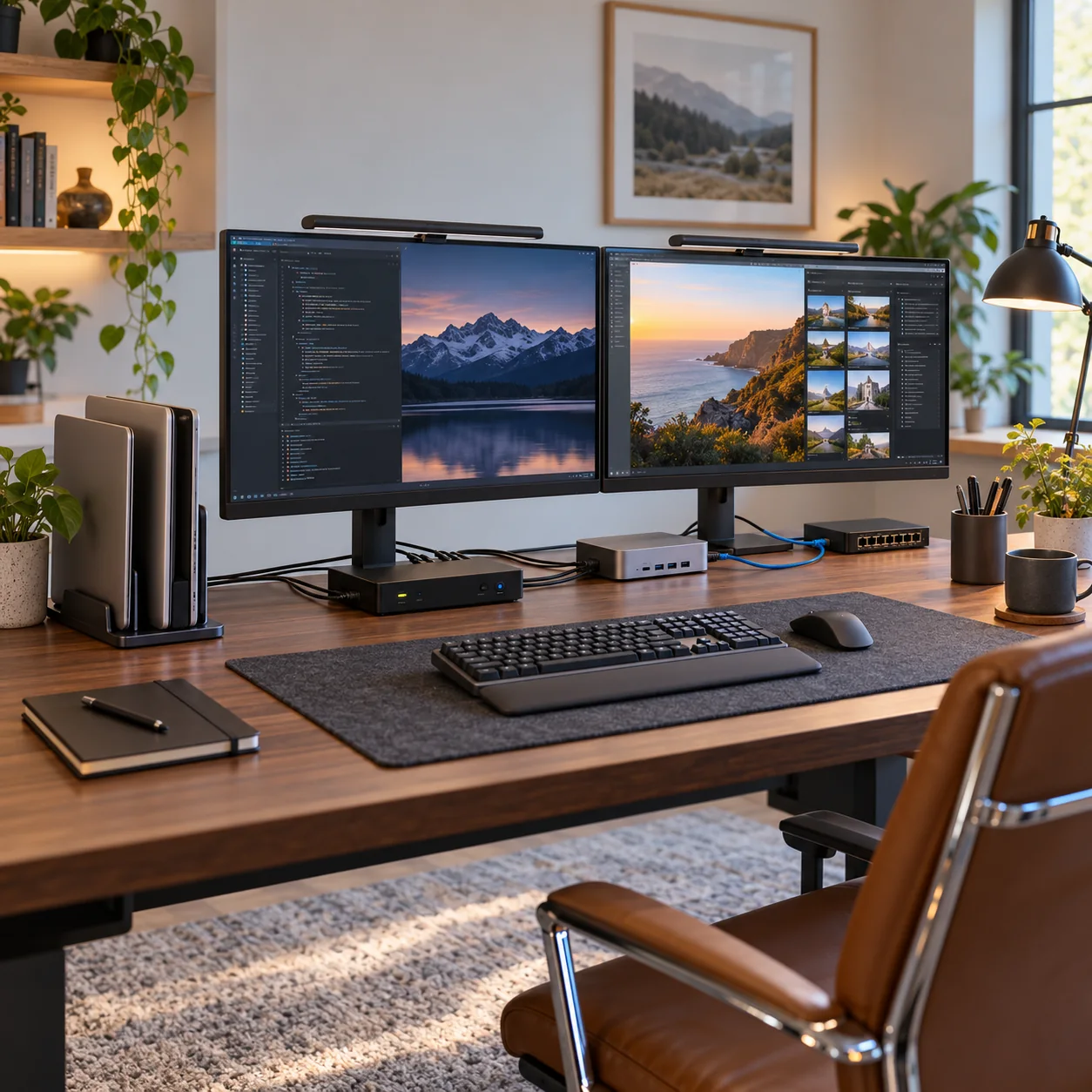
Products and configurations to compare
Dual-monitor KVM
Full desk switch.
Best when: both laptops can expose matching outputs
Watch for: video compatibility must be planned
Dual vertical laptop stand
Keeps machines upright.
Best when: both laptops run external displays
Watch for: fit/ventilation varies
250W desktop charger
Central desk charging.
Best when: both laptops accept USB-C PD
Watch for: gaming/workstation laptops may need dedicated bricks
Match display outputs before choosing KVM
Docking may be required.
Corporate laptops may restrict dock/driver software
Prefer standards-based paths where possible.
Use USB switch if monitor refresh is special
Direct video can preserve high-refresh features.
Network both machines by Ethernet if backups/files matter
A 2.5G switch is a natural add.
Keep work security policy in mind
Some employers prohibit sharing certain USB peripherals.
A clean workstation is an architecture problem
Start with the number of computers, displays and shared USB devices. Then decide where switching, charging, networking and storage live. Buying each accessory independently often creates three docks, four power bricks and a cable nest even when every individual product is good.
The strongest desk setups centralize power, keep high-bandwidth devices on direct or fast links, use wired networking where large transfers matter, and reserve hubs for low-bandwidth peripherals. One labeled cable path beats a drawer full of adapters.
Design for one-cable departures
If a laptop leaves the desk regularly, the ideal setup disconnects with one Thunderbolt/USB4/USB-C cable plus perhaps one charger if the dock cannot provide enough power. Everything else should remain attached to the desk infrastructure.
Before checkout
- Host port standard is confirmed, not guessed from USB-C connector shape
- Monitor resolution and refresh target are listed before buying a KVM/dock
- USB hub power supply is adequate for attached devices
- Charger port allocation supports the laptop's actual wattage
- USB-C cables have the required power and data rating
- Ethernet path is multi-gig end to end where speed matters
- NVMe enclosure interface matches the host's fastest useful port
- Monitor arm weight/VESA limits exceed the display requirements
- Power strips and UPS units are not daisy-chained
- The purchase removes a recurring desk bottleneck rather than adding ports you will never use
Map the signal path before buying another adapter
For every device, trace the entire path from source to destination. A laptop might connect through Thunderbolt to a dock, then DisplayPort to a KVM, then HDMI through an adapter to a monitor. If something fails at 4K 60Hz, any link can be responsible. Write down the host port, dock capability, cable standard, switch capability and monitor input before buying.
The same rule applies to storage and networking. A 40Gbps enclosure behind a 10Gbps hub is a 10Gbps device. A 2.5GbE adapter connected to a gigabit switch is a gigabit link. A 140W charger using a cable that supports only 60W will negotiate down. Workstation gear is a chain, and the slowest or least-compatible link wins.
Prefer fewer boxes with clearer jobs
Complex desks become unreliable when every box overlaps three others. A good architecture is easy to explain: dock handles the laptop, KVM/USB switch handles computer switching, powered hub handles low-speed peripherals, charger handles mobile power, switch handles Ethernet. Once each box has a clear job, troubleshooting becomes far easier.
Label high-speed USB-C cables, keep one known-good spare, and photograph the back of the desk before cable-managing it. The next time a drive disconnects or a monitor stops waking, you will know exactly what changed.
Frequently asked questions
Can one dock serve both laptops?
Not simultaneously without a switchable dock/KVM design.
Can KVM charge them?
Only USB-C KVMs with sufficient PD; many traditional KVMs do not.
Best for Mac + Windows?
Standards-based USB/display paths are most predictable; OS display limits differ.
Can I share webcam?
Yes through high-speed USB switching if bandwidth/compatibility are sufficient.
Current product/source checks
- StarTech dual-monitor DisplayPort KVM current official specs
- UGREEN USB 3.0 Switch current official specs
- Anker Prime Charger 250W current official specs
Affiliate disclosure: ComputerGear participates in Amazon Associates and eBay Partner Network. We may earn from qualifying purchases at no extra cost to you. Amazon links use scouttheory-20; eBay links use campaign 5339137014.