Best Gaming Desktops 2026
A prebuilt gaming desktop gets you playing without the parts-hunting, compatibility checks, and cable-routing of a DIY build — and in a market where GPUs and memory swing in price, prebuilts often bundle components at better effective value than buying parts separately. We ranked these five based on build quality, thermal design, upgrade headroom, and the value of their typical configurations. Every pick below is sold in multiple configurations, so treat the spec notes as a guide to the range and check the current listing for exact hardware.
Our Ranked Picks
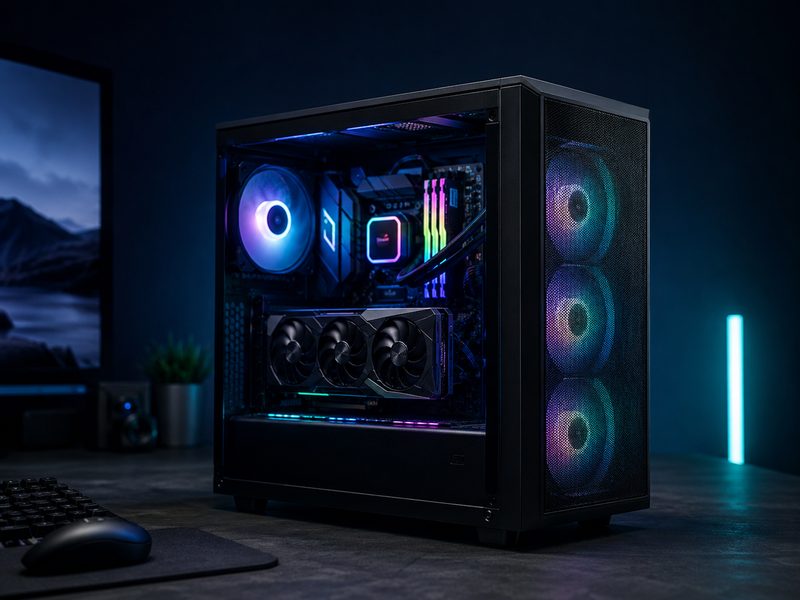
Skytech Chronos
Skytech's Chronos line is the go-to recommendation for first-time buyers who want real gaming performance without flagship pricing. Configurations typically pair current mid-range GeForce RTX graphics with Ryzen or Core CPUs in a tempered-glass mid-tower with RGB intake fans. Cable management is consistently clean for the price bracket, and the standard ATX layout means every part is upgradeable later.
- Mid-tower ATX case with tempered glass side panel
- RGB intake fans and clean stock cable routing
- Standard ATX motherboard and PSU — easy future upgrades
- Sold in many CPU/GPU configurations across budgets
Why it made the list: The best performance-per-dollar path into PC gaming, with a standard layout you can upgrade for years.
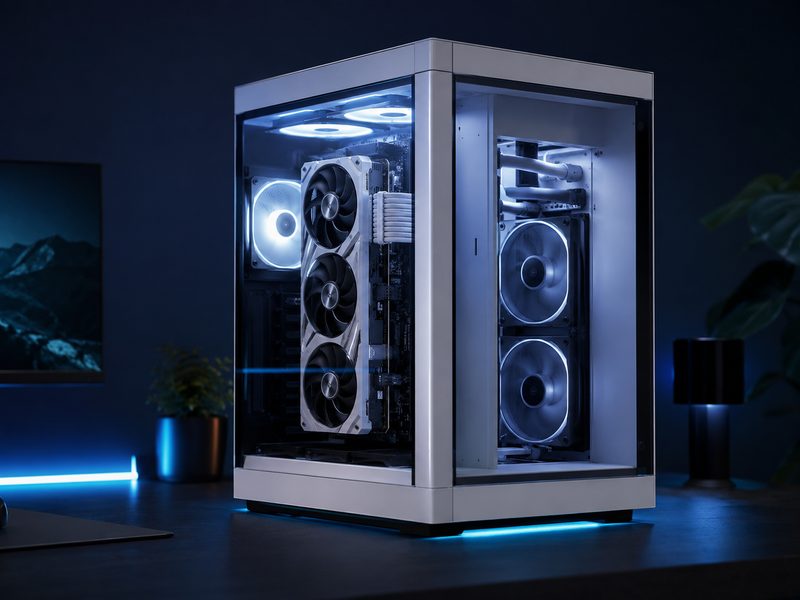
iBUYPOWER Y40
The Y40 series uses a dual-chamber case that separates the power supply and cabling from the main board compartment, giving the GPU and CPU a cleaner airflow path and a showcase look with glass on two sides. It's one of the best-looking prebuilts you can buy at a mainstream price, and the roomy chamber makes later GPU swaps painless.
- Dual-chamber panoramic glass case design
- PSU and cables isolated from the airflow path
- Roomy GPU clearance for future upgrades
- Available in white or black with ARGB fans
Why it made the list: Showcase looks and genuinely good thermals in the same mainstream-priced box.
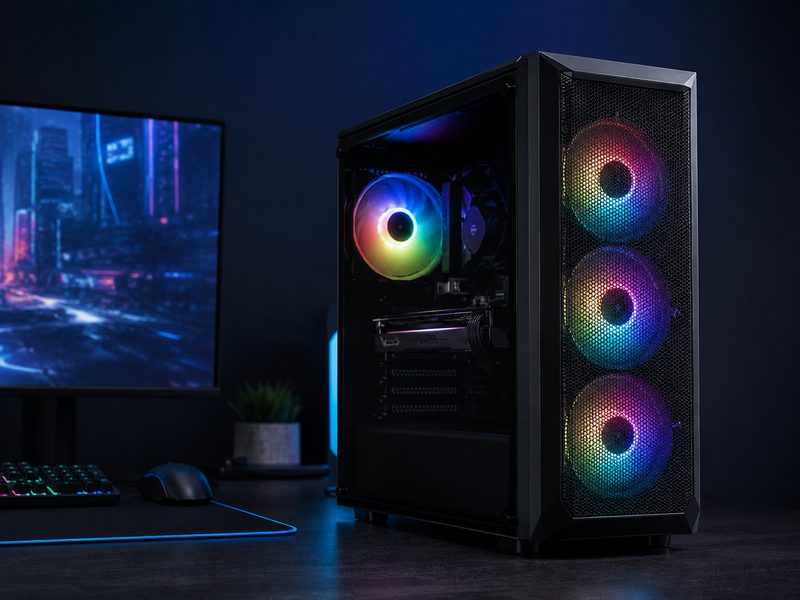
CyberPowerPC Gamer Supreme
CyberPowerPC's Gamer Supreme line covers a huge spread of configurations, which makes it the easiest place to match a specific budget to a specific GPU tier. Mesh-front cases with three intake fans keep temps in check, and the company's configurator-style retail listings mean you can usually find the exact CPU/GPU combo you want in stock somewhere.
- Mesh front panel with triple RGB intake fans
- Wide range of CPU/GPU configurations at retail
- Standard ATX internals, no proprietary parts
- Frequently bundled with keyboard and mouse
Why it made the list: The widest selection of ready-to-ship configs — easy to hit an exact budget.
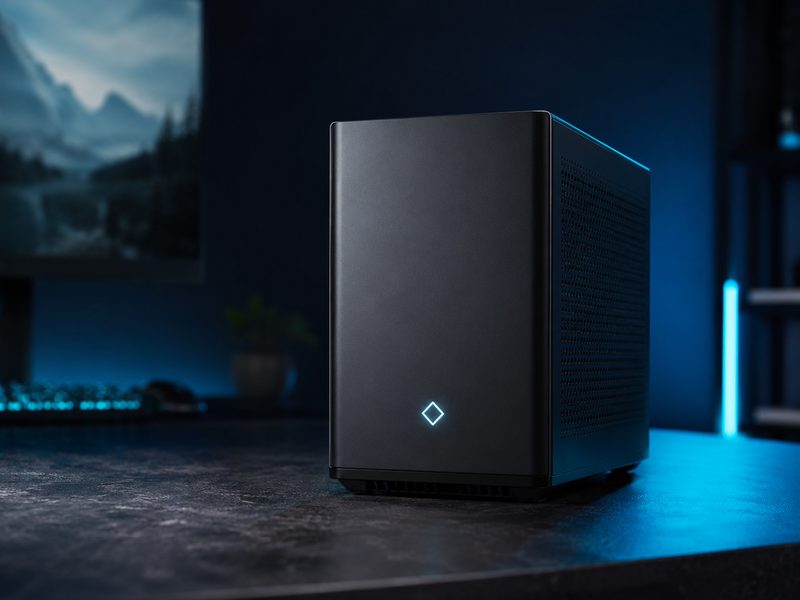
HP Omen 35L
HP's Omen 35L blends big-brand support and warranty coverage with a surprisingly enthusiast-friendly build: standard ATX parts, a restrained design that doesn't scream gamer, and an Omen software hub for lighting and performance. It's the pick if you want a prebuilt from a manufacturer with real customer service infrastructure behind it.
- Standard ATX internals despite the OEM badge
- Restrained, office-friendly design with subtle lighting
- Omen Gaming Hub for fan, lighting, and performance control
- Backed by HP's mainstream warranty and support network
Why it made the list: OEM warranty and support without the usual OEM proprietary-parts trap.
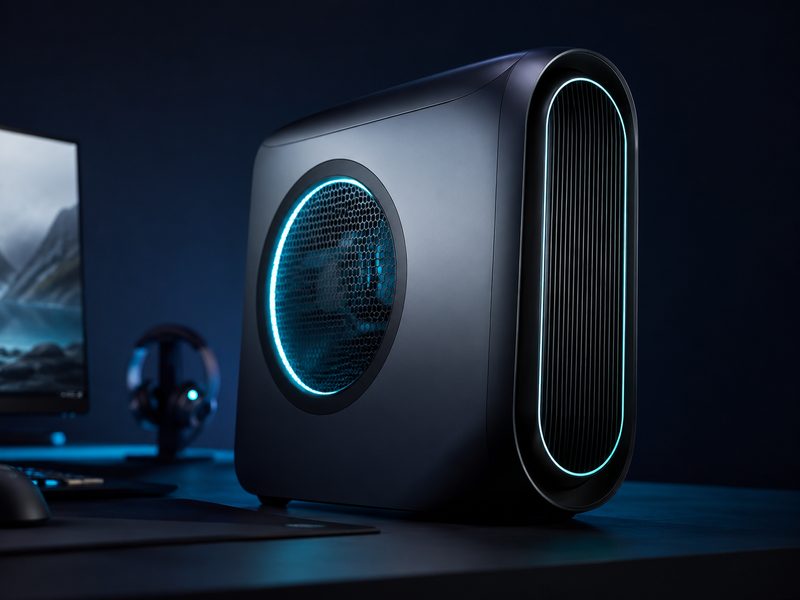
Alienware Aurora R16
The Aurora R16 is the flagship-tier option: a distinctive oval-lit chassis, high-wattage power supplies, and configurations that stretch to the fastest consumer CPUs and GPUs available. Thermals and acoustics improved dramatically over earlier Auroras thanks to the larger, more conventional interior. You pay the Alienware premium, but you get a machine that handles top-tier hardware quietly.
- Configurations up to flagship-class CPUs and GPUs
- Improved airflow and much quieter than earlier Auroras
- Distinctive design with customizable ring lighting
- Premium support tiers available through Dell
Why it made the list: The polished flagship experience — top-end configs, quiet operation, and real support.
Buying Guide
Match the GPU to your monitor
The graphics card determines what resolution and refresh rate you can actually use, so buy the GPU tier for the monitor you own or plan to buy. A 1080p/144Hz display is comfortably driven by mid-range cards, while 1440p high-refresh and 4K displays justify stepping up a tier or two. Overspending on a GPU your monitor can't show is the most common prebuilt mistake.
Insist on standard parts
The best prebuilts use standard ATX motherboards, power supplies, and cases. That means any part can be replaced or upgraded with off-the-shelf components later. Avoid systems with proprietary boards or PSUs — they lock you out of cheap future upgrades.
Check the actual configuration
Every line on this page sells in many configurations under the same name. Two listings for the same model can differ enormously in CPU, GPU, RAM, and storage, so always read the spec list on the specific listing rather than assuming.
Frequently Asked Questions
Is a prebuilt gaming desktop worth it versus building your own?
For most people right now, yes. Prebuilt makers buy components in bulk, so during GPU or memory price spikes a prebuilt frequently costs less than the sum of its parts. You also get a single warranty covering the whole system. Building yourself still wins on part-by-part control and the satisfaction factor.
How much should I spend on a gaming desktop?
Match spend to your display. Budget towers handle 1080p gaming well, mid-range configurations suit 1440p and high-refresh esports, and premium builds are for 4K, VR, and streaming while gaming. Buying far beyond your monitor's capability wastes money.
Can I upgrade a prebuilt gaming PC later?
If it uses standard ATX parts — like every pick on this page — yes. GPU, RAM, and storage upgrades are usually tool-free or close to it. Always check PSU wattage headroom before dropping in a more power-hungry graphics card.
What's the difference between these and a custom build?
Mostly labor, warranty, and component selection. Prebuilts arrive assembled, tested, and covered by one warranty. Custom builds let you pick every part but leave troubleshooting to you. Performance is identical for identical parts.