Best Cooling Solutions 2026
Cooling is the quiet determinant of how a PC actually performs: modern CPUs boost as hard as their thermals allow, which means the cooler literally sets your sustained speed. The good news is that the value end of the market has never been stronger — the gap between a great budget cooler and a flagship has collapsed. These picks cover air, liquid, fans, paste, and the laptop crowd.
Our Ranked Picks
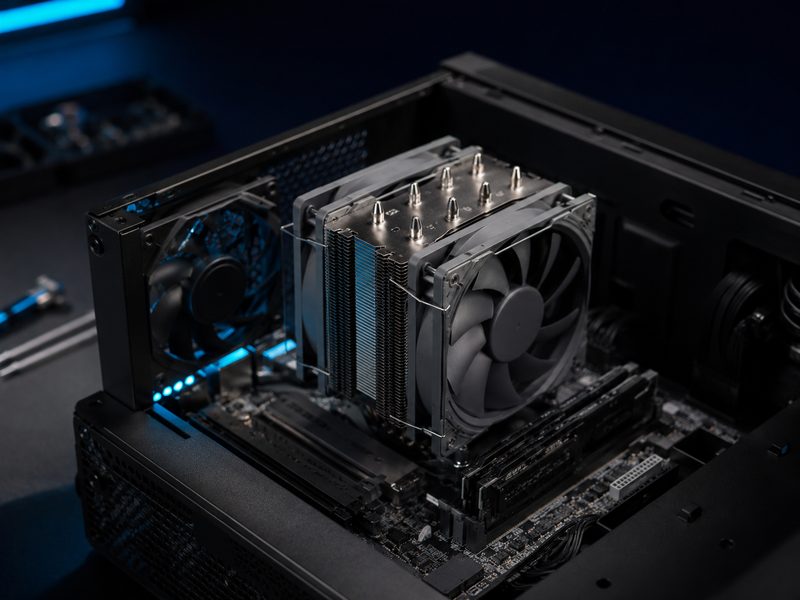
Thermalright Peerless Assassin 120 SE
The Peerless Assassin is the most recommended cooler in the PC building community for a simple reason: dual-tower performance that trades blows with coolers costing three times as much. Six heatpipes, two quiet fans, easy mounting, and thermals that keep mainstream CPUs boosting flat-out. It has single-handedly reset what budget cooling means.
- Dual-tower, six-heatpipe design
- Two quiet 120mm fans included
- Handles high-wattage mainstream CPUs
- Straightforward mounting system
Why it made the list: Embarrasses coolers at triple the price — the community default for good reason.
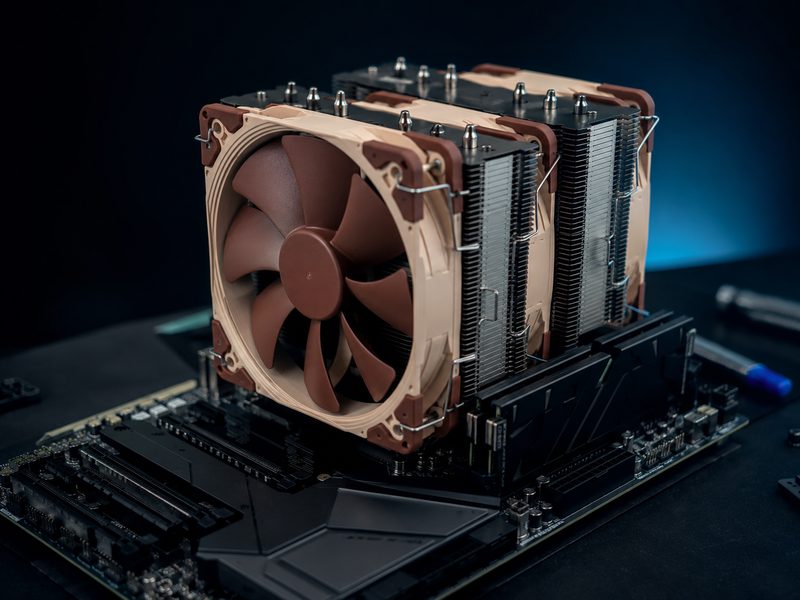
Noctua NH-D15 G2
The NH-D15 G2 is peak air cooling: Noctua's second-generation flagship with refined fin stacks, next-generation fans, and acoustics that stay civil under loads that make lesser coolers howl. It matches many liquid coolers with zero pump noise or leak risk, and Noctua backs it with mounting kits for future sockets — a decade-scale purchase.
- Flagship dual-tower with next-gen 140mm fans
- Near-silent under sustained heavy load
- Rivals 240mm-class liquid cooling
- Long-term socket support from Noctua
Why it made the list: The best air cooler made — liquid-class thermals with zero pump risk.
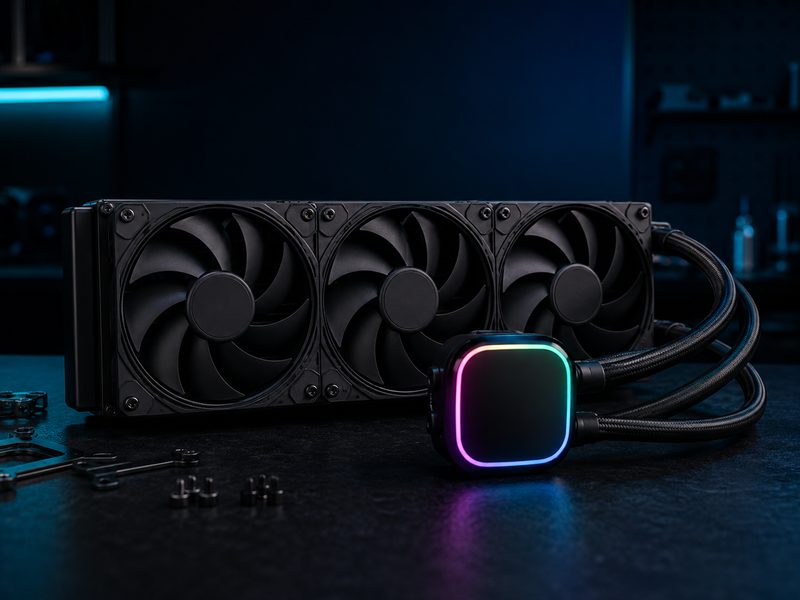
Arctic Liquid Freezer III
Arctic's Liquid Freezer III is the AIO that wins the spreadsheets: thicker-than-standard radiators, excellent included fans, an integrated VRM fan on the pump block, and pricing that undercuts flashier rivals — with performance that beats most of them. For hot flagship CPUs or airflow-limited cases, it's the liquid cooler to buy.
- Thicker radiator than typical AIOs
- 240mm and 360mm sizes available
- Integrated VRM fan on the pump head
- Class-leading price-to-performance
Why it made the list: The AIO that tops the charts while undercutting the competition on price.
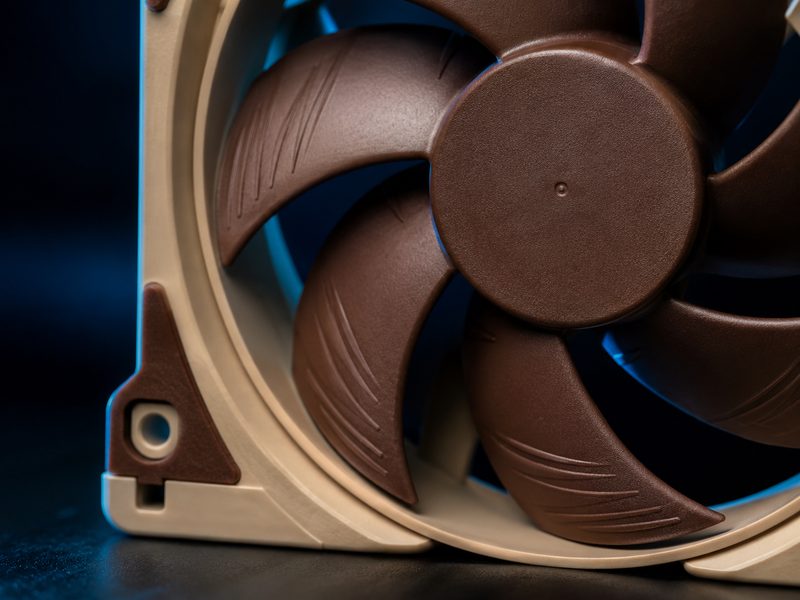
Noctua NF-A12x25
The NF-A12x25 is the 120mm fan every other fan gets measured against: an ultra-tight tip clearance and stiff LCP impeller that move more air at lower noise than anything in its class, on bearings that run for decades. Fans are the component people cheap out on and then hear every day — these are the cure.
- Class-leading airflow-to-noise ratio
- Ultra-tight blade tip clearance design
- Exceptional bearing longevity
- Works as case or radiator fan
Why it made the list: The reference 120mm fan — quieter air, decade-scale bearings.
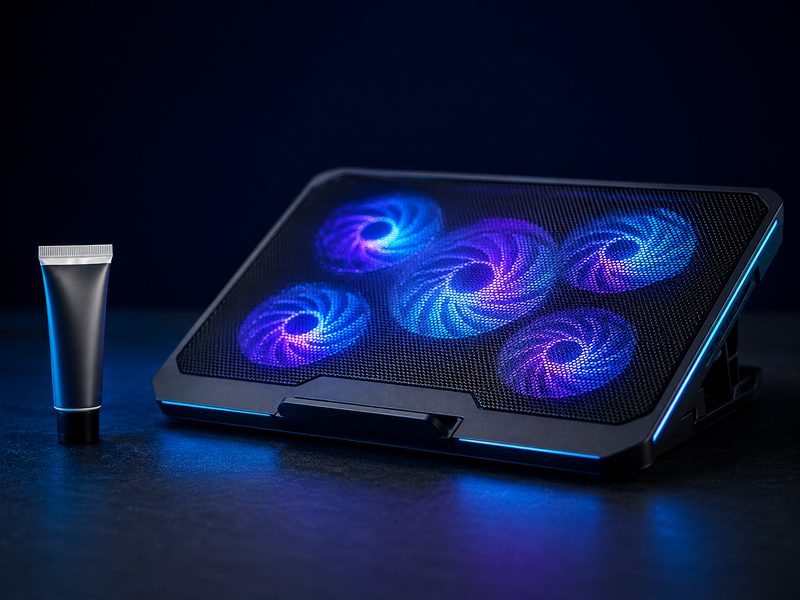
Thermal Grizzly Kryonaut + KLIM Cooling Pad
Two small purchases with outsized returns. Kryonaut is the enthusiast-standard thermal paste — a repaste drops several degrees off any cooler whose factory paste has aged out. And for laptops, a KLIM cooling pad's fans feed cool air to intakes that otherwise gasp against a desk, taming thermal throttling in gaming sessions the cheap way.
- Kryonaut: enthusiast-standard thermal compound
- Repasting revives aging coolers measurably
- KLIM pad: multi-fan laptop airflow with stand angle
- The two cheapest meaningful thermal upgrades
Why it made the list: The two cheapest tweaks that measurably drop temperatures on desktop and laptop alike.
Buying Guide
Air vs. liquid, honestly
High-end air cooling matches mid-range liquid for most CPUs, with fewer failure points and no pump hum. Liquid wins for the hottest flagship chips, cramped cases where a tower won't fit, and aesthetics. Start with air unless you have a specific reason not to.
Check clearance before you buy
Tower coolers have height limits (case spec) and can overhang RAM slots (motherboard layout); radiators need mounting real estate. Three minutes with your case's spec sheet prevents the classic doesn't-fit return.
Airflow is a system
A monster CPU cooler in a case with poor intake still runs hot. Balanced front-intake and rear-exhaust with quality fans lowers every component's temperature. Budget for case fans alongside the CPU cooler — it's the difference between quiet and airplane.
Frequently Asked Questions
Do I really need an aftermarket CPU cooler?
If your CPU shipped with a stock cooler, an upgrade buys lower noise and higher sustained boost clocks — modern chips throttle their own speed to match cooling. For high-wattage CPUs, aftermarket cooling isn't optional if you want advertised performance.
How often should I replace thermal paste?
Every three to five years for most builds, sooner if temperatures have crept up. Laptops benefit even more from repasting since their factory application runs hotter — though laptop disassembly varies wildly in difficulty.
Are AIO liquid coolers safe? Do they leak?
Modern AIOs from reputable brands are sealed, tested units with very low failure rates; leaks are rare enough to be forum events. Pumps do eventually wear — expect five-plus years of service. If any risk is unacceptable, flagship air cooling gives up very little.
Do laptop cooling pads actually work?
Measurably, yes — for laptops that throttle. Feeding cool air to bottom intakes and lifting the chassis off the desk typically drops temperatures enough to hold higher clocks in games. They can't fix a laptop with fundamentally undersized cooling, but they reclaim performance the desk was stealing.