Best Networking Gear 2026
WiFi 7 has arrived at sane prices, and it's a genuine leap: multi-link operation that uses several bands at once, huge channel widths, and enough capacity that a busy household stops fighting over bandwidth. The question is mesh versus single router — coverage area decides it — and within mesh, how much you'll pay for backhaul quality. These five picks map the whole field.
Our Ranked Picks

TP-Link Deco BE63
The Deco BE63 is the mesh system reviewers keep converging on: tri-band WiFi 7 with a dedicated slice of spectrum for backhaul, multi-gig ports on every node, dead-simple app setup, and whole-home coverage from a three-pack — at a price that undercuts flagship systems by a wide margin. For most homes, it's simply the right answer.
- Tri-band WiFi 7 with 6GHz band
- Multi-gig Ethernet ports on each node
- Three-pack covers large homes
- Straightforward app setup and management
Why it made the list: Flagship-class WiFi 7 mesh performance at a mainstream price.
Netgear Orbi 770
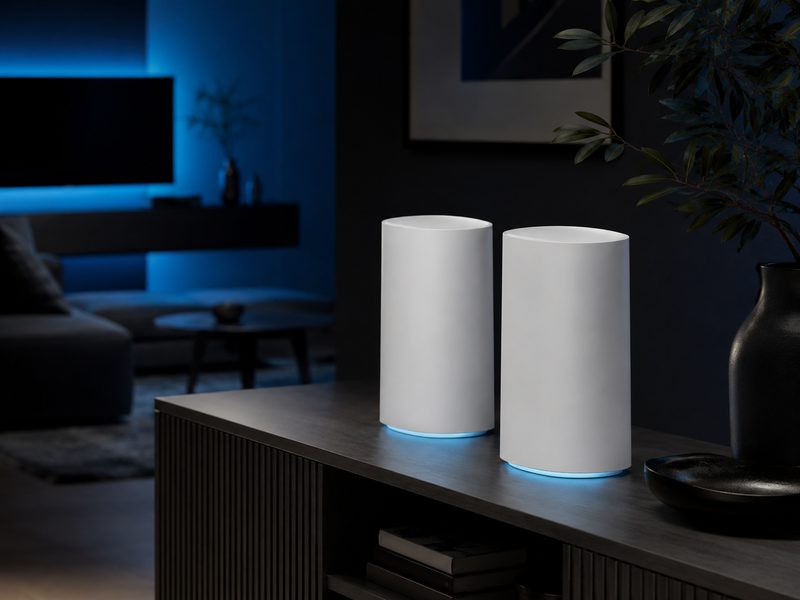
Netgear's Orbi 770 series is built for square footage: a dedicated backhaul band shuttles traffic between nodes at full speed, coverage stretches to very large homes, and the hardware looks like decor rather than IT equipment. It costs more than the Deco, but for big or awkwardly-shaped houses the dedicated backhaul earns its premium in the far rooms.
- Dedicated wireless backhaul band
- Coverage rated for very large homes
- 2.5GbE ports including WAN
- Sculpted design that hides in plain sight
Why it made the list: Dedicated backhaul keeps far rooms fast in genuinely big homes.
Amazon eero Pro 7
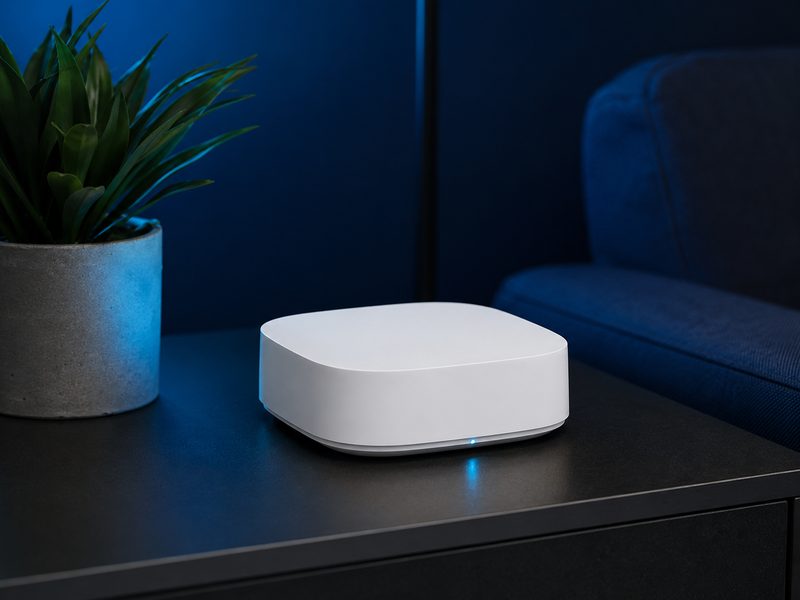
eero remains the mesh for people who never want to think about WiFi again: setup takes minutes from a phone, updates install themselves, nodes blend into shelves, and the network genuinely self-heals. WiFi 7 speeds arrive with zero configuration exposed. Power users will want more knobs; everyone else wants exactly this.
- WiFi 7 with fully automatic optimization
- Fastest setup experience in the category
- Compact nodes with quiet design
- Built-in smart home hub features
Why it made the list: The zero-maintenance mesh — set it up once and forget networking exists.
Asus ZenWiFi BT10
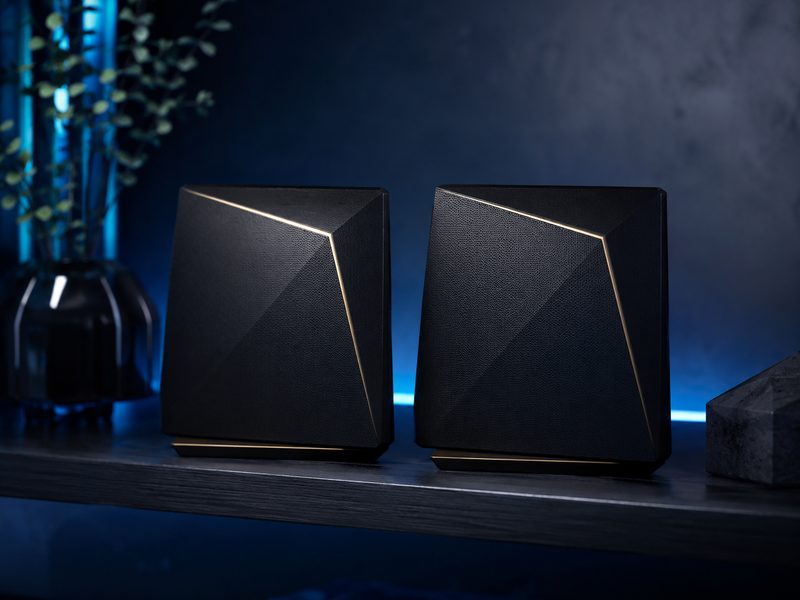
The ZenWiFi BT10 is mesh for people who read changelogs: full router-grade controls, lifetime-included security features, VPN support, and 10G-class ports for homes with serious internal traffic — all without a subscription. Asus's AiMesh also lets you extend the system later with almost any Asus router you pick up.
- WiFi 7 with 10G-class wired ports
- Full advanced controls, no subscription
- Included network security suite and VPN features
- Extendable via AiMesh with other Asus routers
Why it made the list: Subscription-free power-user features the app-only meshes hide from you.
Asus RT-BE92U
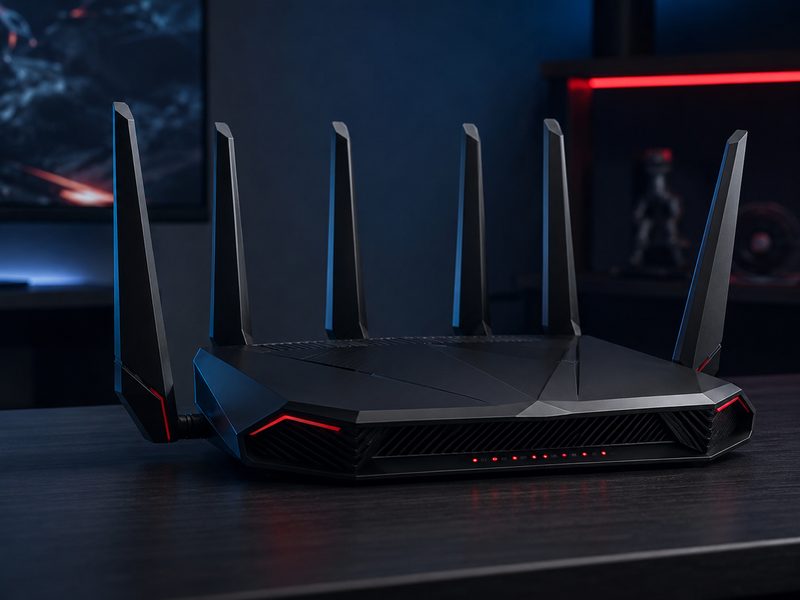
Not every home needs mesh — apartments and smaller houses are better served by one strong router, and the RT-BE92U is the current value standout: tri-band WiFi 7, a stack of 2.5GbE ports, gaming-friendly QoS, and Asus's deep firmware, at a price well under flagship territory. If one access point can cover your space, this is the one.
- Tri-band WiFi 7 at a competitive price
- Multiple 2.5GbE ports
- Gaming QoS and traffic controls
- Can join an AiMesh system later
Why it made the list: All the WiFi 7 an apartment needs from one excellent, fairly-priced box.
Buying Guide
Mesh or single router?
One access point covers most apartments and small homes — buy the best single router and skip mesh complexity. Multi-floor homes, dead zones, or construction that eats signal (brick, metal, concrete) call for mesh. Adding mesh where one router suffices adds cost and hop latency for nothing.
Backhaul is the mesh spec that matters
Mesh nodes must relay traffic back to the main unit. Systems with a dedicated backhaul band (Orbi, and tri-band systems like the Deco) keep far nodes fast; cheap dual-band mesh halves speed at every hop. If you can run an Ethernet cable between nodes, wired backhaul beats everything.
Your internet plan sets the ceiling
WiFi 7's multi-gig capability only shows if your plan and wiring keep up. Match spend to your actual service tier — a modest plan doesn't need flagship mesh, but fiber-gigabit households will feel the difference everywhere.
Frequently Asked Questions
Is WiFi 7 worth it over WiFi 6?
If you're buying new hardware anyway, yes — prices have normalized, and multi-link operation improves responsiveness even for current devices, with headroom as WiFi 7 clients spread. Upgrading a working WiFi 6 network is less urgent unless you have specific congestion or coverage pain.
How many mesh nodes do I need?
Roughly one node per 1,500 to 2,000 square feet of living space, adjusted for walls and floors — a typical two-story home does well with two or three. More nodes isn't automatically better; each wireless hop costs some performance.
Do mesh systems require subscriptions?
The networking itself, no. Several brands paywall advanced security and parental features; Asus notably includes them free. Check what's behind the paywall before buying if those features matter to you.
Where should I place the main router?
As central and elevated as your wiring allows, out in the open — not in a cabinet, not in the basement corner where the line enters. Placement fixes more WiFi complaints than hardware upgrades do.