Best Laptop Stands & Desk Mounts 2026
Neck pain from staring down at a laptop is the most fixable ergonomic problem on any desk: raise the screen to eye level and the problem largely disappears. The tools for doing it range from sculpted desk furniture to featherweight travel stands to monitor arms that float displays over reclaimed desk space. These five picks cover every desk and budget.
Our Ranked Picks
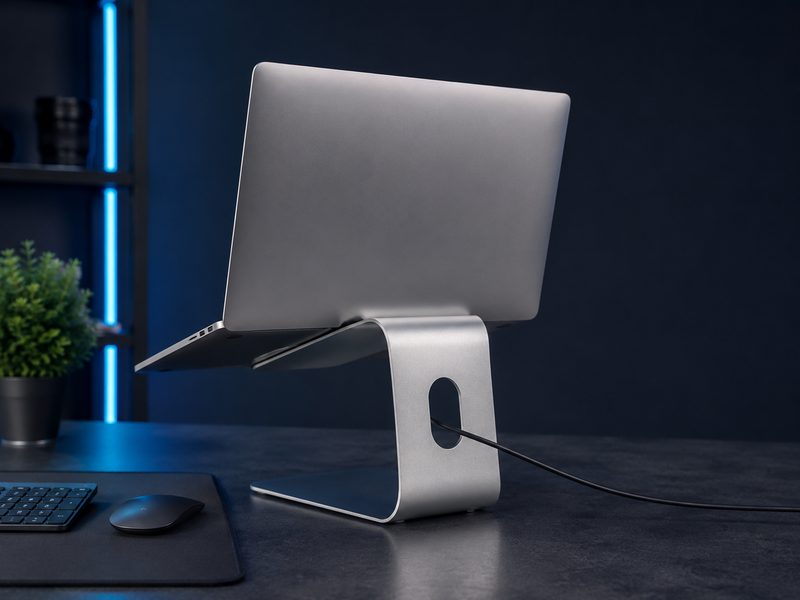
Rain Design mStand
The mStand is a single piece of sand-anodized aluminum that raises a laptop into a comfortable sightline, doubles as a heatsink, and routes the charging cable through a hole in its back. It's been the default recommendation for well over a decade because there's nothing to adjust, nothing to wobble, and nothing to break. Desk furniture, perfected.
- Single-piece sand-anodized aluminum
- Raises screen toward eye level
- Acts as a passive heatsink
- Rear cable-routing hole
Why it made the list: The timeless fixed stand — beautiful, solid, and effectively immortal.
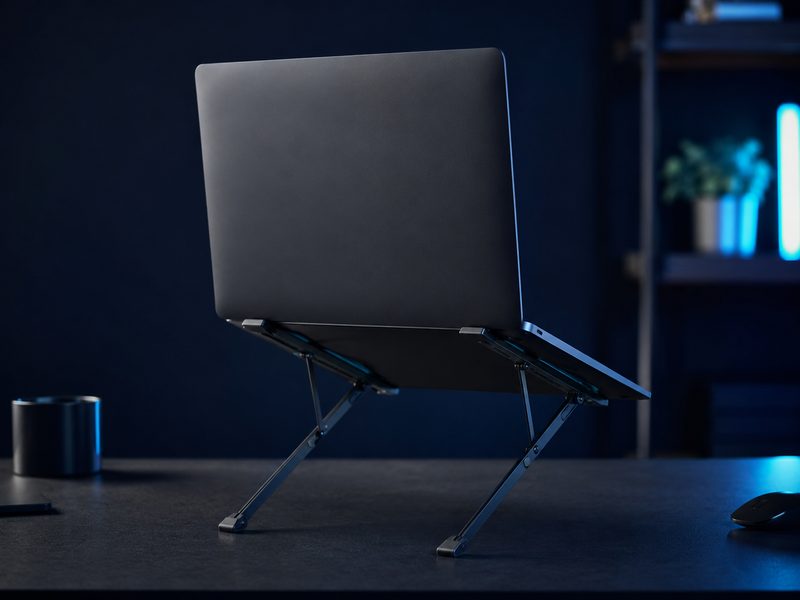
Roost V3
The Roost folds to the size of a folded umbrella and weighs next to nothing, yet raises a laptop higher than most desk stands — full eye level, where travel stands usually compromise. It's the remote worker's back-saver: coffee shop, coworking desk, hotel room, same posture everywhere. Pair with a compact keyboard and mouse and any table becomes a workstation.
- Folds flat, extremely light for travel
- Raises screen to true eye level
- Adjustable height settings
- Grips laptops securely by the hinge edge
Why it made the list: Eye-level ergonomics from a stand that vanishes into any bag.
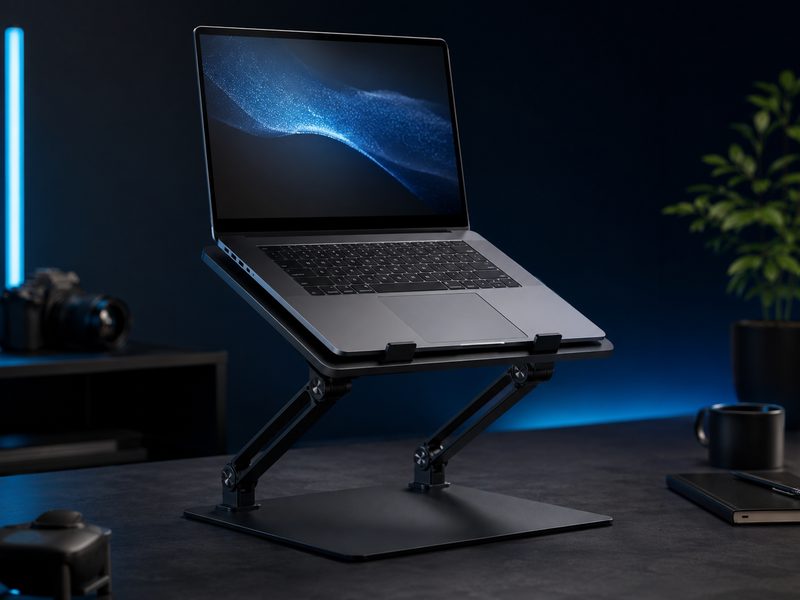
Twelve South Curve Flex
The Curve Flex is the desk stand for people who share a workspace or switch between sitting and standing: two articulated arms adjust height and tilt through a wide range, then fold completely flat for a drawer. It brings travel-stand flexibility to a stable, premium desk fixture — the best of both stand categories.
- Wide height and tilt adjustment range
- Folds completely flat for storage
- Stable matte aluminum construction
- Fits laptops of all common sizes
Why it made the list: Full adjustability in a desk-grade stand that folds flat when you're done.
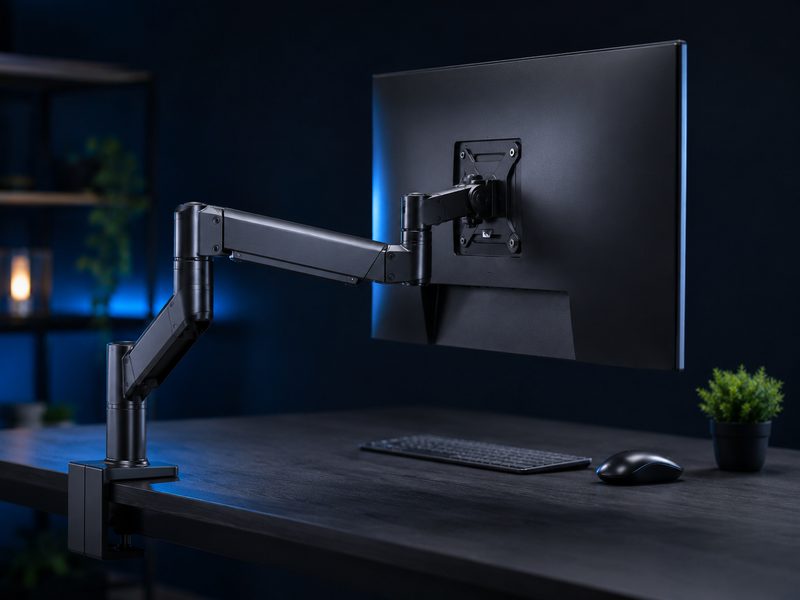
Ergotron LX
The Ergotron LX is the monitor arm that outlives the monitors attached to it: fluid one-hand repositioning, rock-steady holding power for large displays, integrated cable channels, and a ten-year warranty that tells you how it's built. Floating your display reclaims the desk beneath it and puts the screen exactly where your neck wants it.
- Smooth one-hand height and position adjustment
- Holds large, heavy displays steady
- Integrated cable management channel
- 10-year manufacturer warranty
Why it made the list: The buy-once monitor arm with a warranty measured in decades.
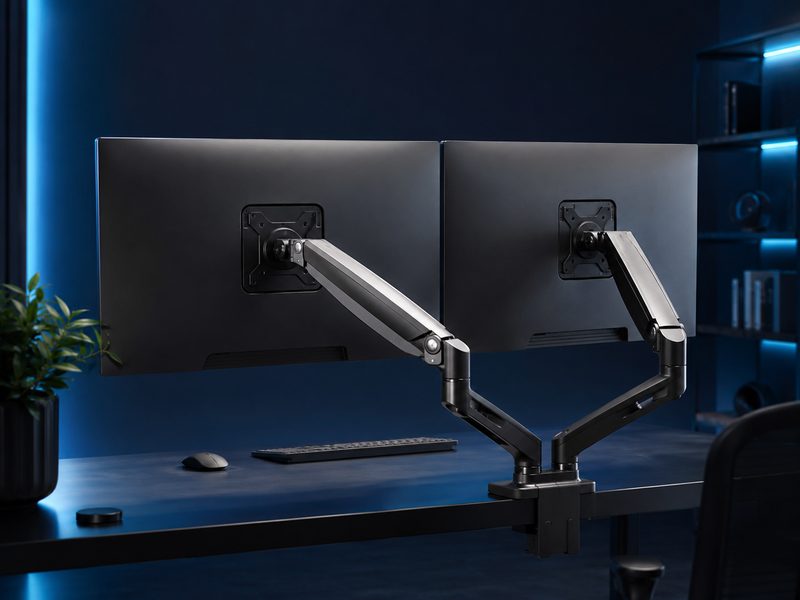
VIVO Dual Monitor Arm
VIVO's dual arm proves multi-monitor ergonomics doesn't require premium spend: two fully articulating arms on one desk clamp, full tilt and rotation for each display, and basic cable clips — at a price that undercuts a single premium arm. Adjustment is stiffer than an Ergotron's, but for set-and-occasionally-adjust dual setups it's the obvious value.
- Holds two displays on one clamp
- Full tilt, swivel, and rotation per arm
- Integrated cable clips
- Fits standard VESA monitors
Why it made the list: Two floating monitors for less than one premium arm.
Buying Guide
Eye level is the whole game
The top of your screen should sit at or slightly below eye height, an arm's length away. Every product on this page is a means to that end — pick by desk situation (fixed, travel, or floating), not by features.
A raised laptop needs a keyboard
Elevating a laptop puts its keyboard out of reach, so budget for an external keyboard and mouse if you don't own them. That combination — stand plus peripherals — is the actual ergonomic upgrade.
Check clamp and weight limits
Monitor arms clamp to the desk edge, so confirm your desk has accessible edge depth and that the arm's weight rating covers your display — ultrawides especially. Both arms above list clear weight limits on their product pages.
Frequently Asked Questions
Do laptop stands really help with neck pain?
For most people with look-down laptop posture, noticeably — raising the screen to eye level removes the sustained neck flexion that drives the ache. It works best combined with an external keyboard so your hands stay low while your eyes stay up.
Monitor arm or monitor stand riser?
An arm reclaims the desk space entirely, adjusts freely, and handles sit-stand desks; a riser is cheaper and simpler for a fixed setup. If you ever adjust your display or share the desk, the arm wins.
Will a clamp arm damage my desk?
Quality arms include padded clamps that leave no mark on solid desks. Thin or hollow-core desktops may want a reinforcement plate — inexpensive and worth it for heavy displays.
What laptop sizes do these stands fit?
All picks here handle the common 13-to-16-inch range; the mStand and Curve Flex manage larger machines comfortably. Very large gaming laptops may overhang travel stands like the Roost — check the stand's stated size range.