Best Webcams & Streaming Gear 2026
Whether you're upgrading from a grainy laptop camera for meetings or building a full streaming corner, the gear stack is the same three layers: camera, microphone, and light — plus control hardware once you're producing rather than just appearing. These six picks assemble into anything from a better-Zoom setup to a complete streaming desk, and each is the standout in its layer.
Our Ranked Picks
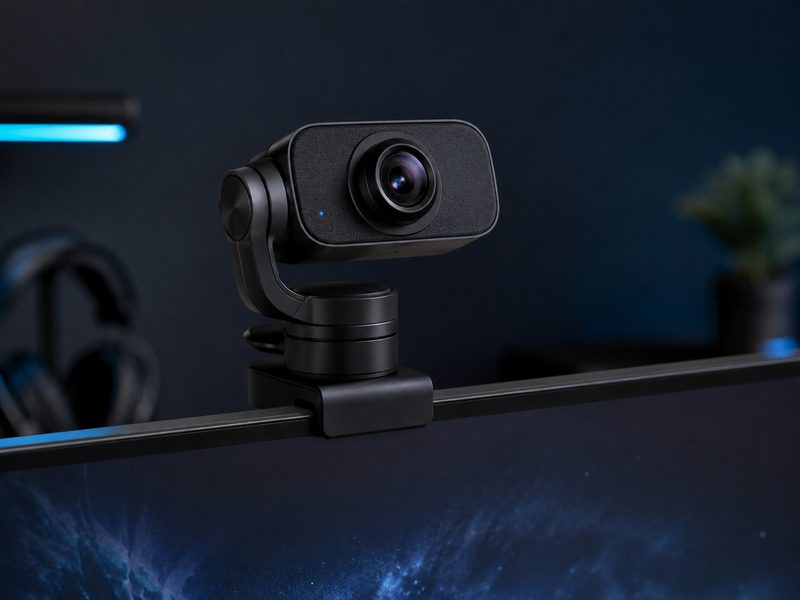
Insta360 Link 2
The Link 2 mounts a genuinely sharp sensor on a miniature gimbal that physically tracks you as you move — stand up to whiteboard something and the camera follows. Image quality leads the category in good and bad light alike, and gesture controls handle zoom and framing without touching software. It's the webcam that makes everyone ask what you're using.
- Gimbal-mounted 4K sensor with subject tracking
- Class-leading low-light image quality
- Gesture controls for zoom and framing
- Privacy mode points the lens down
Why it made the list: The best image in the category, on a gimbal that keeps you framed.
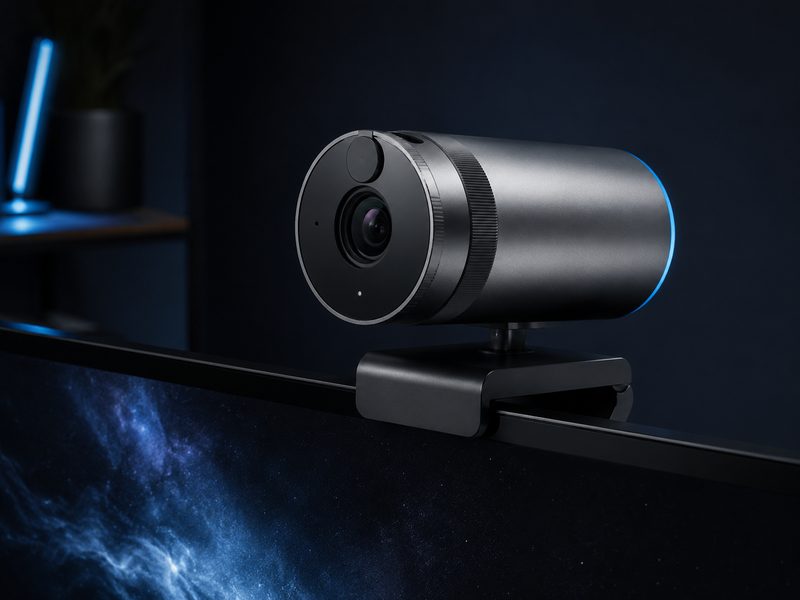
Logitech MX Brio
The MX Brio is the professional's fixed webcam: a large sensor with excellent detail and automatic light correction, a physical privacy shutter you can see is closed, and Logitech's rock-solid driver support across every conferencing platform. For all-day meeting callers who want to look consistently good with zero fiddling, it's the pick.
- 4K sensor with strong auto light correction
- Physical twist privacy shutter
- Show-your-desk mode for document sharing
- Universal conferencing platform support
Why it made the list: Consistently excellent meeting video with a shutter you can trust.
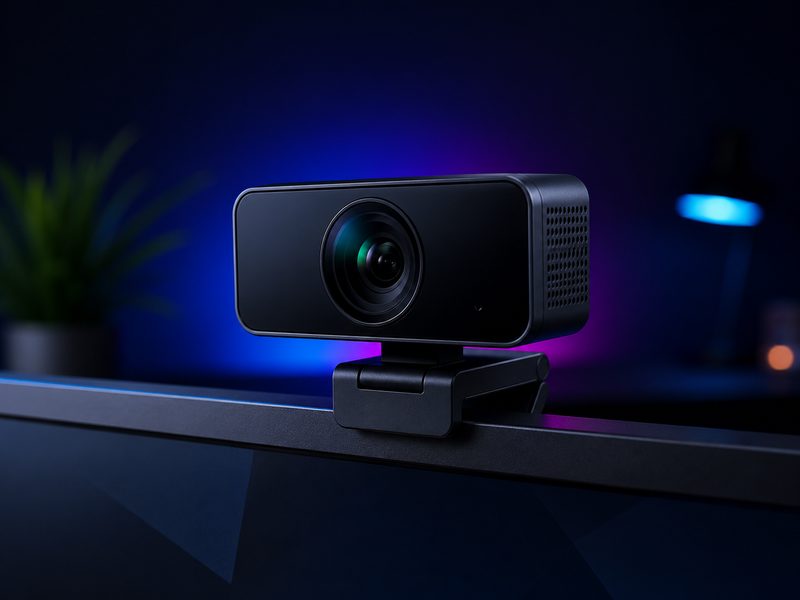
Elgato Facecam MK.2
The Facecam MK.2 is built for streamers specifically: uncompressed video for maximum quality into OBS, deep manual controls saved to onboard memory so your exact exposure survives reboots, and HDR that tames RGB-lit rooms. No autofocus hunting, no auto-exposure surprises mid-stream — it behaves like a studio camera, not a webcam.
- Uncompressed video feed for streaming software
- Manual controls stored in onboard memory
- HDR for high-contrast lit rooms
- Fixed focus — no mid-stream hunting
Why it made the list: Studio-camera behavior and manual control built for OBS workflows.
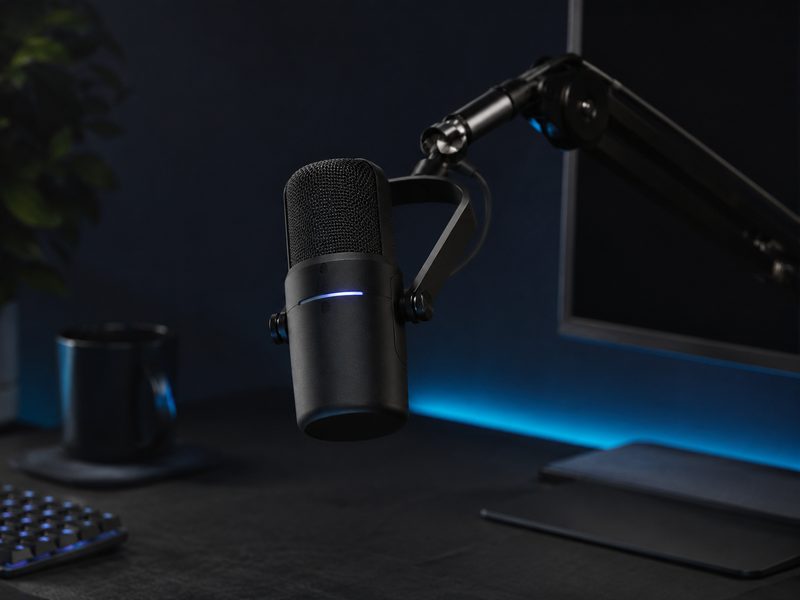
Shure MV7+
The MV7+ brings Shure's broadcast pedigree to a USB mic: a dynamic capsule that rejects room noise and keyboard clatter, real-time denoising, a customizable LED touch panel, and both USB and XLR outputs so it grows with you into an audio interface later. Voice is what audiences forgive least — this is the layer to spend on.
- Dynamic capsule rejects room noise
- USB-C and XLR outputs
- Real-time denoiser and auto level modes
- LED touch panel for mute and gain
Why it made the list: Broadcast-grade voice that ignores your keyboard and your room.
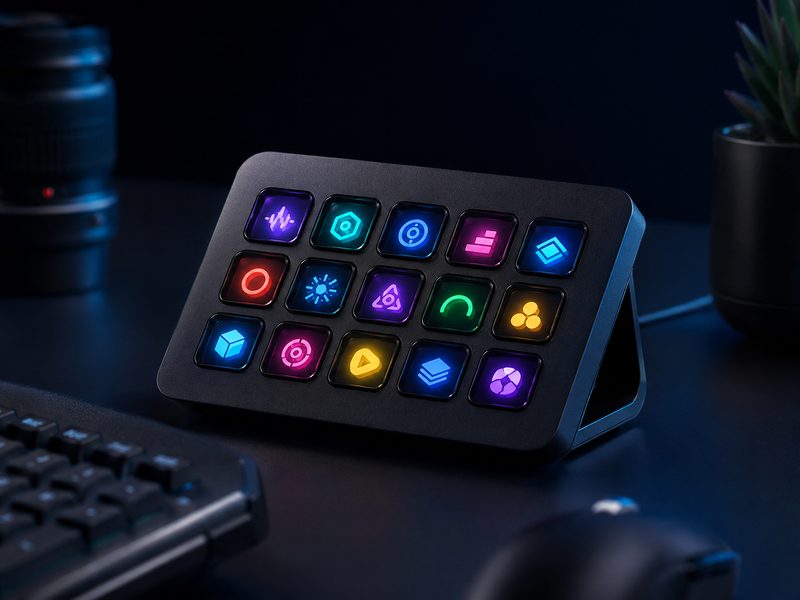
Elgato Stream Deck MK.2
The Stream Deck MK.2 puts fifteen LCD keys under your fingers, each mapped to anything: scene switches, mute toggles, sound drops, app launches, smart lights, entire multi-step macros. Streamers buy it for production control and then discover it's equally addictive for plain desk work. Few gadgets earn permanent desk space this fast.
- 15 customizable LCD keys
- Deep OBS, Twitch, and app integrations
- Multi-action macros and folders
- Swappable faceplates, detachable stand
Why it made the list: One-touch control of your whole production — and then your whole desk.
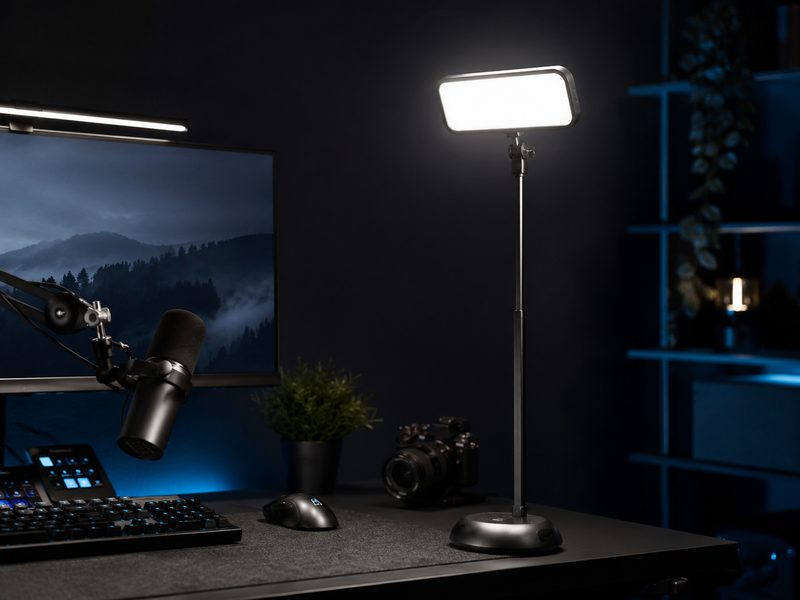
Elgato Key Light Air
Lighting is the cheapest dramatic upgrade to any camera, and the Key Light Air is the tidy way to do it: a slim edge-lit panel on a weighted desk stand, app-controlled brightness and color temperature, and glare-free diffusion that flatters faces without a studio footprint. One transforms a webcam; a pair looks professionally lit.
- Edge-lit panel with soft diffusion
- App-controlled brightness and color temperature
- Weighted desk stand, small footprint
- Pairs with Stream Deck for one-touch control
Why it made the list: The single biggest on-camera upgrade per dollar on this page.
Buying Guide
Fix audio before video
Viewers tolerate mediocre video and abandon bad audio. If your budget covers one upgrade, make it the microphone — a dynamic USB mic in an untreated room beats an expensive camera with laptop audio every time.
Light beats megapixels
Any camera looks dramatically better with a key light in front of you than a better camera in the dark. Position light in front and slightly above your face; avoid strong light behind you. Buy lighting before upgrading a mid-tier camera.
Webcam or streaming camera?
Meeting-focused cameras (MX Brio, Link 2) prioritize automatic everything; streaming cameras (Facecam) prioritize manual control that stays put. Choose by whether you want the camera to make decisions or obey them.
Frequently Asked Questions
What's actually worth upgrading first for video calls?
Order of impact: lighting, then microphone, then camera. A key light and a dynamic mic transform perceived quality more than any camera swap. The built-in laptop camera with good light beats a 4K webcam in a dark room.
Do I need 4K for streaming or meetings?
No — most platforms deliver 1080p or less to viewers. 4K sensors still help by supersampling to a sharper 1080p and enabling punch-in cropping, but resolution is the least important spec on this page.
Dynamic or condenser microphone for streaming?
Dynamic, in almost every home setup — capsules like the MV7+'s reject room echo, keyboard noise, and the neighbor's dog. Condensers capture more detail but demand a quiet, treated room to sound their best.
Is a Stream Deck useful if I don't stream?
Widely, yes — owners map meeting mute, app launches, text snippets, and smart-home controls. It's a macro pad with visual keys; streaming is just the flagship use case.